06:00 · Denver
Pass the work, not the meeting.
Girbil is asynchronous video collaboration for remote and distributed teams: short clips, voice and screen recordings that teammates watch and answer when they are online. Four working tools are open today.
Try the AI outline → See the Relay Board →
The clock times and cities along this page are illustrative examples. Free while in early access. We use your email only to reply and to invite you to try Girbil. Privacy
08:00 · Berlin
Try it now: outline a clip in seconds
Tell the AI what your update is about and who will watch it. You get a beat-by-beat outline with timings, an opening line and a clear ask.
AI output can be wrong. Your text goes to the AI model only to answer this request.
10:00 · Lagos
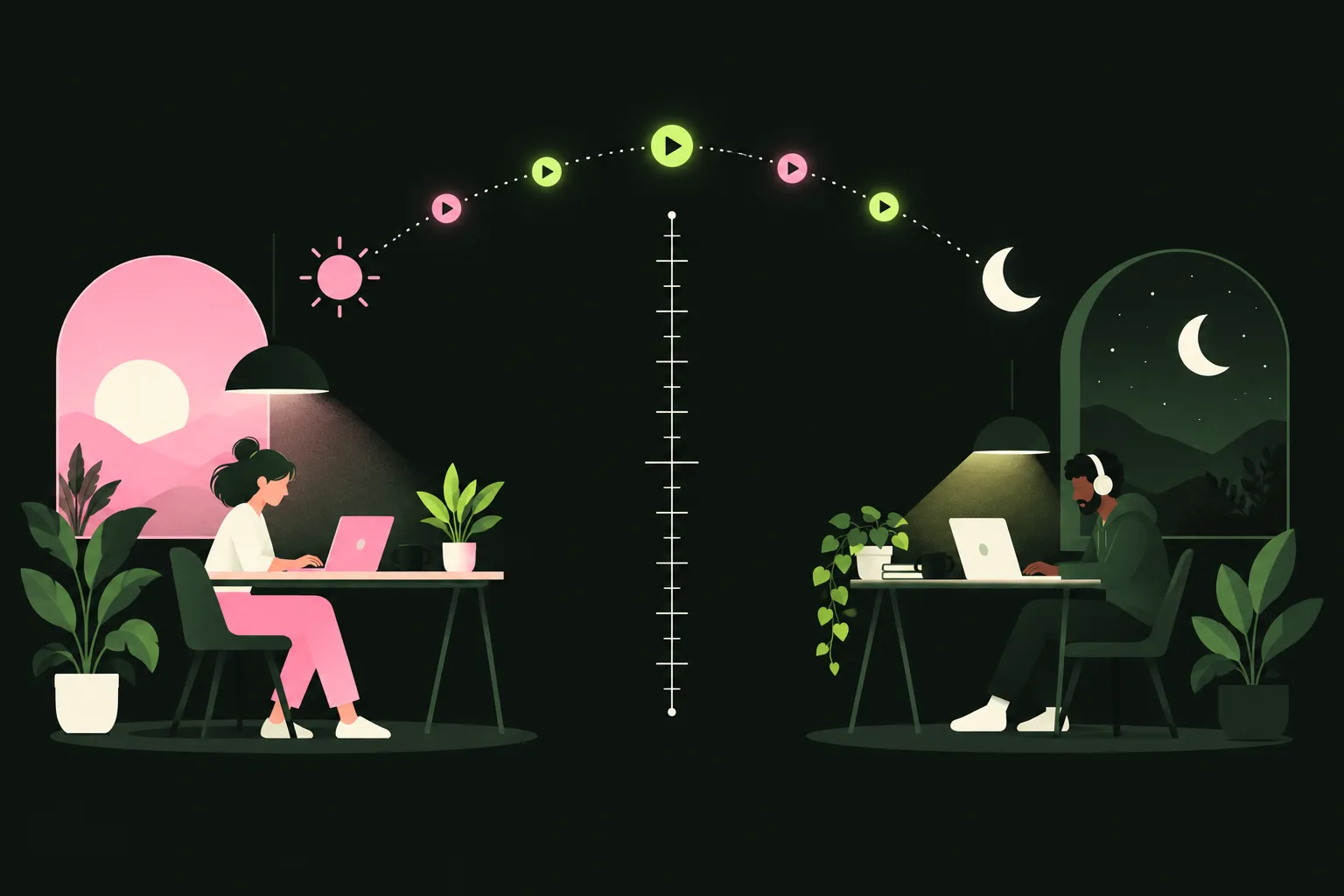
Someone is always online at the wrong hour
The problem
Distributed teams lose hours every week to live meetings that someone in another time zone must attend at 6 a.m. or 10 p.m. Written messages lose tone and context, so people fall back to calls again.
The solution
Girbil makes asynchronous video the default way to hand work across time zones: short video, voice and screen recordings that teammates watch and answer when they are online, with practical planning tools that show which meetings can become clips.
of 101 meeting hours a month could move to clips in the sample team that Meeting Swap loads by default (five recurring meetings, a 25% clip length). It is example data, not a customer result. Enter your own meetings.
14:00 · Dubai
Live mini Relay Board
Three teammates, one 24-hour line. Drag a bar, or edit the hours, and watch the overlap (pink) and the handoff points update.
Handoff points
16:00 · Bengaluru
The product: a working async-first toolkit
Relay Board, Script Clock and Meeting Swap run in your browser and keep your data on your device. Clip Desk sends the text you type to an AI model to answer.
Relay Board
Draw a team's 24-hour handoff timeline in SVG and find overlap, gaps and the best handoff points.
Script Clock
Time a clip script at your pace, see how much to trim, then record with a teleprompter.
Meeting Swap
List recurring meetings and see which can become clips, plus the hours and cost saved per month.
Clip Desk
AI helpers to outline a script, turn a transcript into action items and draft a reply to a clip.
18:00 · Manila
Async Playbook
Short guides for teams that are moving from calls to clips.
Clip etiquette
- Open with the ask and the deadline, then give context.
- One topic per clip, so replies stay focused.
- Share your screen only when it saves words.
- Add a few lines of text so people can skim before they press play.
- Answer with a clip or a sentence, not a calendar invite.
How long should a clip be?
- Status update: 1 to 2 minutes.
- Walkthrough or demo: 3 to 5 minutes.
- Past 7 minutes, split it or add chapters.
- Speaking at 130 to 160 words per minute, 150 words is about one minute. Check yours in Script Clock.
Titles that get watched
- Lead with the verb and the date: “Decision needed by Thu: pricing banner”.
- Name the audience: “For the Berlin dev team”.
- Keep it under 70 characters so it survives in notifications.
When a call is still right
- Sensitive feedback or conflict, where tone matters most.
- Open brainstorming with a small group.
- Urgent incidents that need answers now.
- Building trust with a new teammate.
Two example scripts
Handoff (60 s). “Hi Berlin team, here is where the checkout redesign stands. The new flow is in the shared file, three screens. I need two answers from you by Thursday morning: should the coupon field stay on step one, and can we ship the new error states? I will be offline when you start, so leave your answers as a clip or a comment, and I will pick them up first thing.”
Decision request (45 s). “Quick one for the leads. The launch moved to the 14th. Copy is due Tuesday and server limits need confirming. I recommend we keep the date. If you disagree, reply by Friday noon with one sentence on why.”
20:00 · Tokyo
Plans
Everything is free while Girbil is in early access. Free browser tools bring team leads in; the core product is a per-seat monthly subscription for teams. Paid plans are coming and are not on sale yet.
Early access
Free today
- Relay Board, Script Clock, Meeting Swap and Clip Desk
- No account needed
Team Coming
Per seat, monthly
- Free tier for small teams
- Record and answer clips together (coming soon, not available yet)
Business Coming
Per seat, monthly
- Admin controls and retention settings
- Integrations
Roadmap
- Now: Relay Board, Script Clock, Meeting Swap and Clip Desk, open in early access.
- Next: shared team boards and a first clip recording and reply flow for small teams.
- Then: admin controls, retention settings and integrations on the paid plans.
23:00 · Sydney
Vision
A workday where no one is asked to be online at someone else's hour, and every team keeps a searchable, human record of decisions told in people's own voices.